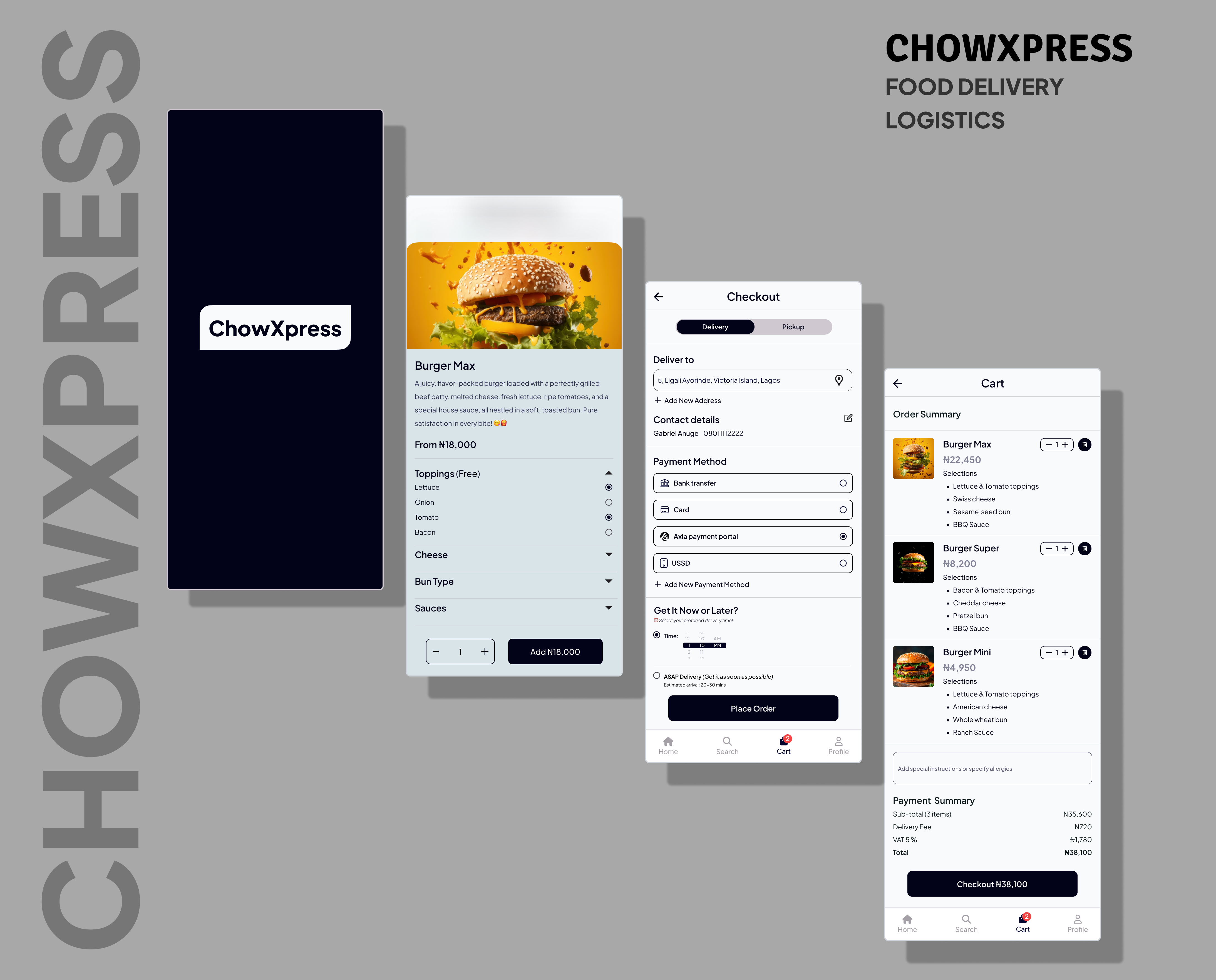
ChowXpress is a fast-growing food delivery startup aiming to provide users with a seamless, fast, and intuitive ordering experience. I was brought on to redesign their mobile app interface with a user-centered approach, streamlining the ordering process from discovery to checkout.
Problem Statement
Users were dropping off at various points in the order journey, especially after viewing food details and during checkout. The old design lacked visual hierarchy, consistent flow, and modern aesthetics.
Goals
Create a visually appealing homepage that encourages exploration
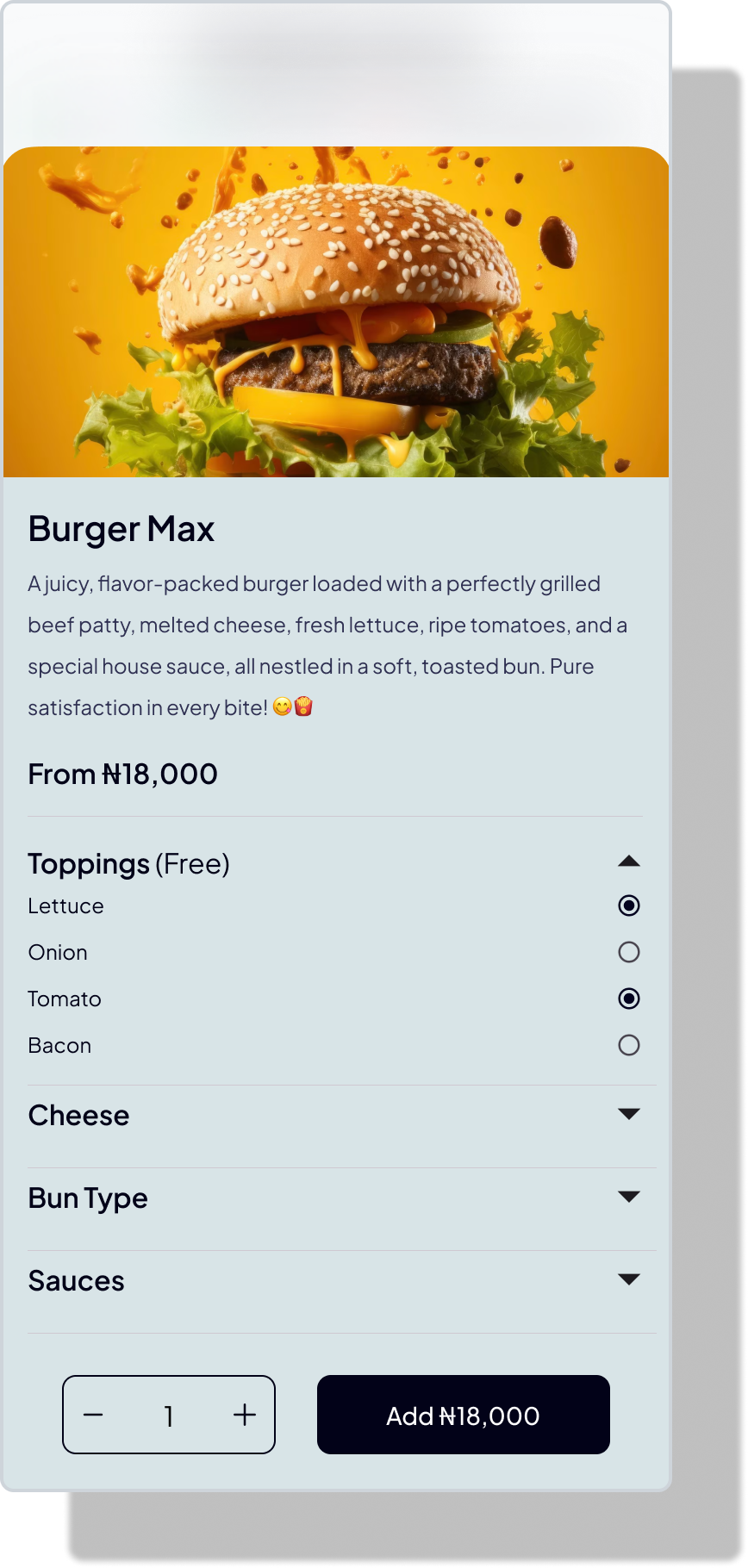
Improve food detail layout for quick scanning and decision-making
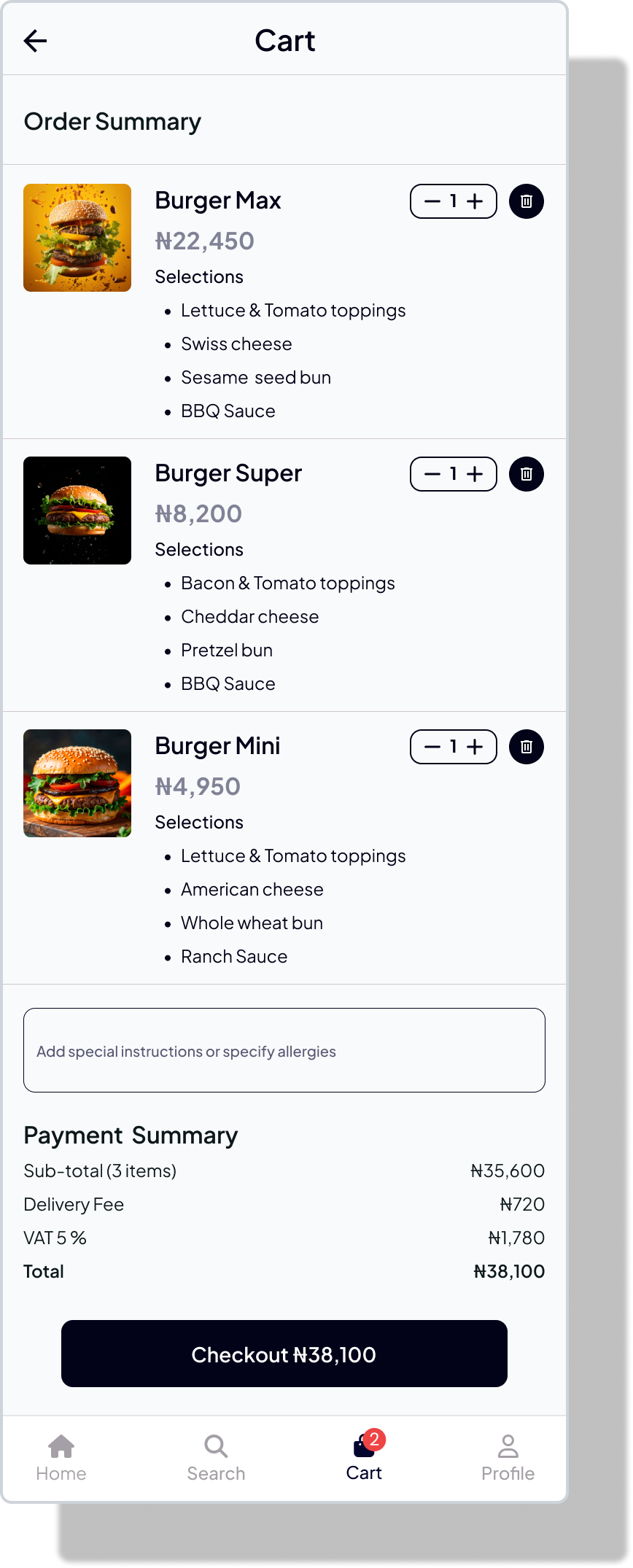
Simplify the cart and checkout flow to reduce friction
Ensure consistency and responsiveness across screens
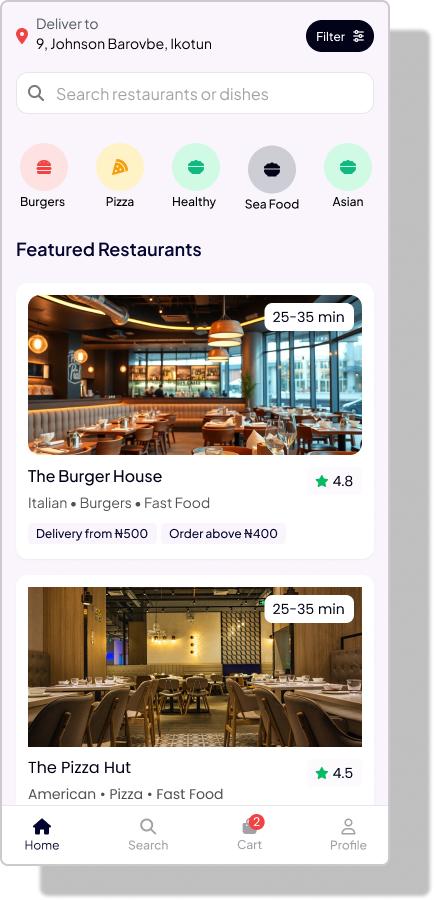
1. Homepage – Discover Food Easily
The homepage serves as the gateway to cravings. I focused on visual richness, easy navigation, and smart categorization.
Key Features:
Prominent search bar at the top
Curated categories like "Top Picks," "Near You," and "Budget Meals"
Interactive banner promoting deals and restaurants
Sticky bottom navigation for quick access
UI Decisions: A card-based layout was used to allow for thumb-friendly scrolling and to highlight food images, which we found crucial in influencing user decisions.